



Windows 11 remote lock gives organisations a new way to protect lost or stolen computers. The feature is called Remote Lock and you manage it from Microsoft Intune. Microsoft says it is also meant for compromised Windows systems, which you can lock without wiping them.
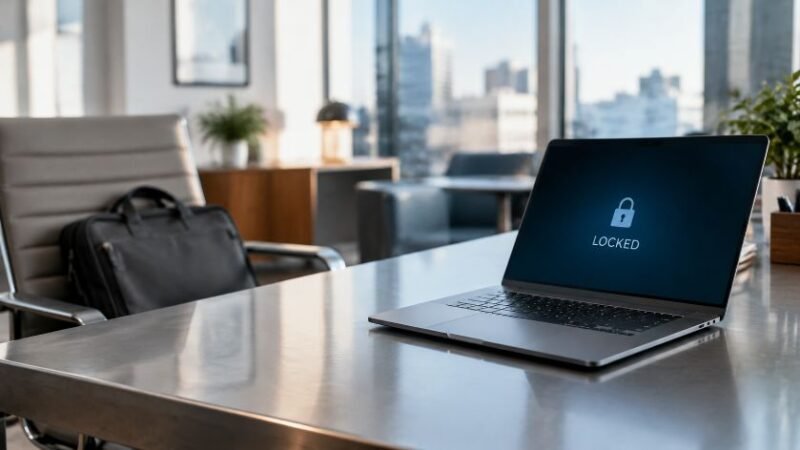
Want to lock a stolen laptop remotely? With Intune remote lock, Windows signs out all active sessions and hides all sign-in options. It then shows a message that the system is locked. Only an administrator can undo the lock remotely.
According to Microsoft, no data is wiped. The device stays enrolled, which means it remains registered and managed. BitLocker, the Windows encryption software, stays active and the user’s data remains unchanged.
Microsoft also states that recovery options such as Windows Recovery Environment, Safe Mode and booting from a USB stick are not blocked. The company therefore advises organisations to keep BitLocker enabled. For your security team, this means a lost or compromised device can be locked quickly without losing the data on it.
You can test the feature now in the latest Windows 11 Insider Preview builds. Microsoft has not said when Remote Lock will arrive in the standard version of the operating system.
Read learn.microsoft.com article for more information.